Grok Briefings
Long-press or ask Siri for an AI summary of your vehicle, battery, weather, and recent activity. Send briefings to your Tesla screen.
Terssie brings a clean, Tesla-inspired experience to your iPhone — Grok briefings, automatic trip telemetry, proximity-aware sentry, BLE Phone Key, and messages delivered straight to your car screen.
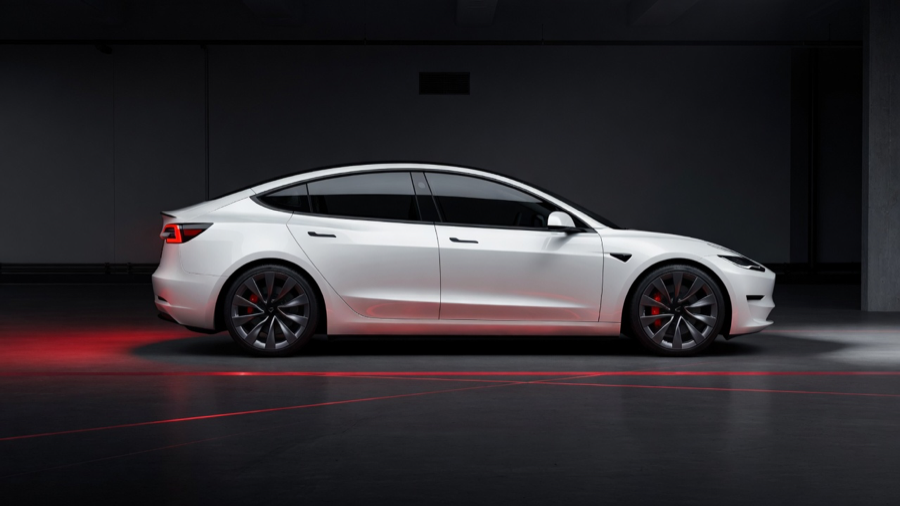
From pulling into the driveway to reviewing your last drive, Terssie automates the routines Tesla owners care about — without cluttering the experience.
Long-press or ask Siri for an AI summary of your vehicle, battery, weather, and recent activity. Send briefings to your Tesla screen.
Automatic drive logging with energy use, efficiency, hard-brake events, regen stats, route labels, and a driving score.
Push Grok summaries, custom messages, and Supercharger navigation directly to your Tesla display.
Pair your iPhone as a Tesla Phone Key for local Bluetooth door unlatch when you approach home.
Approach welcome with flash lights and unlock, Supercharger charge-port auto-open, and battery guard with home-range alerts.
Uses parking-sensor proximity to arm sentry only when needed — saving battery while keeping your car protected.
Dark surfaces, red accents, glass cards, and a vehicle hero that puts battery and status front and center.
Terssie connects through Tesla’s official Fleet API and OAuth. You stay in control of access at all times.
Install on your iPhone, point the app at your backend, and pair your virtual key. Our support page walks you through every step.
Visit support